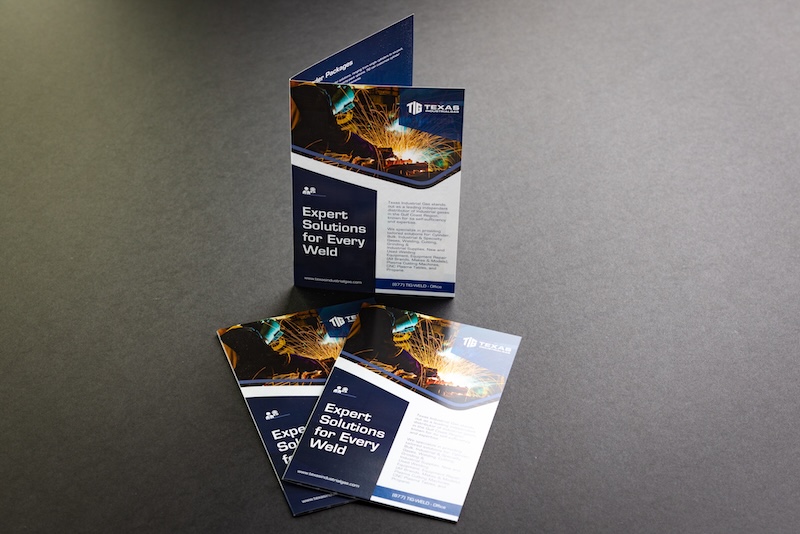
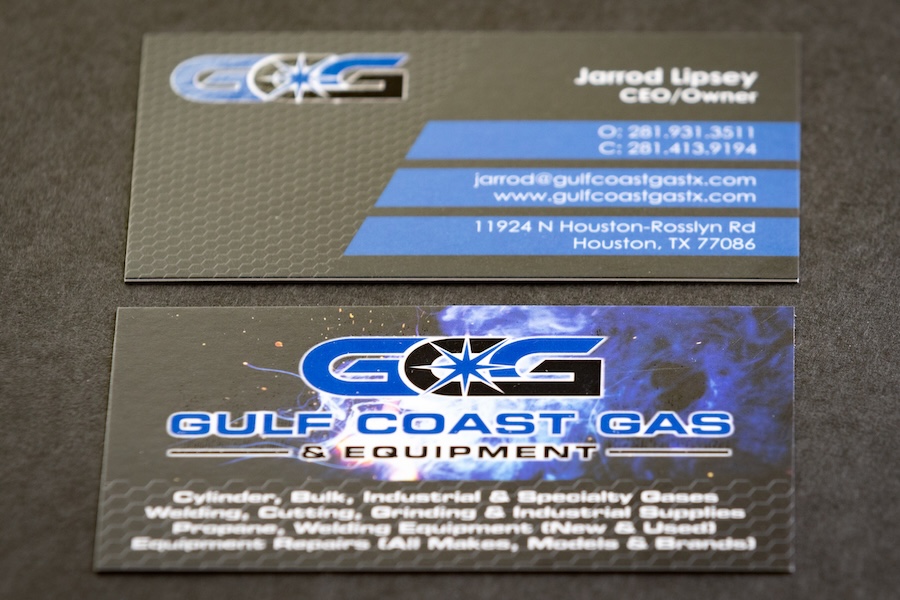
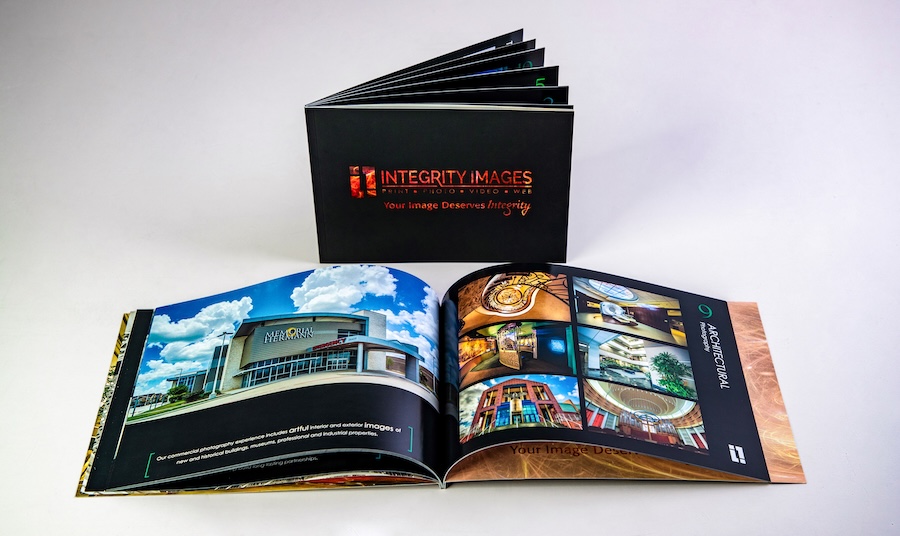
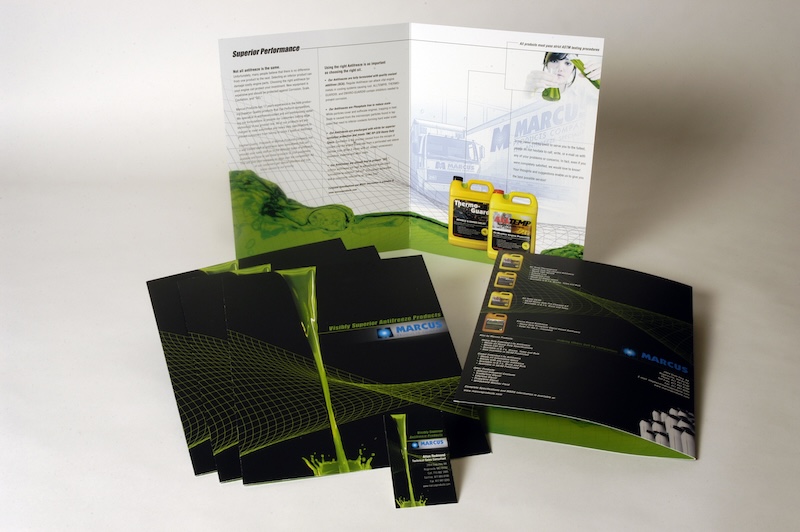
A new year is the perfect time to refresh not just your goals, but also your print materials.
At Integrity Images, January is all about printing education and helping our clients get the best possible results from every project.
Whether you’re printing business cards, booklets, manuals, posters, or marketing materials, proper file setup can save time, reduce revisions, and ensure a flawless final product.
Below are a few practical tips to help you prepare print-ready files with confidence.
How to prepare your document for print
Use the Correct Document Size
Always set your file to the final trim size of the printed piece. For example, a standard flyer might be set up at 8.5” x 11” before adding bleed.
Add Bleed (Very Important!)
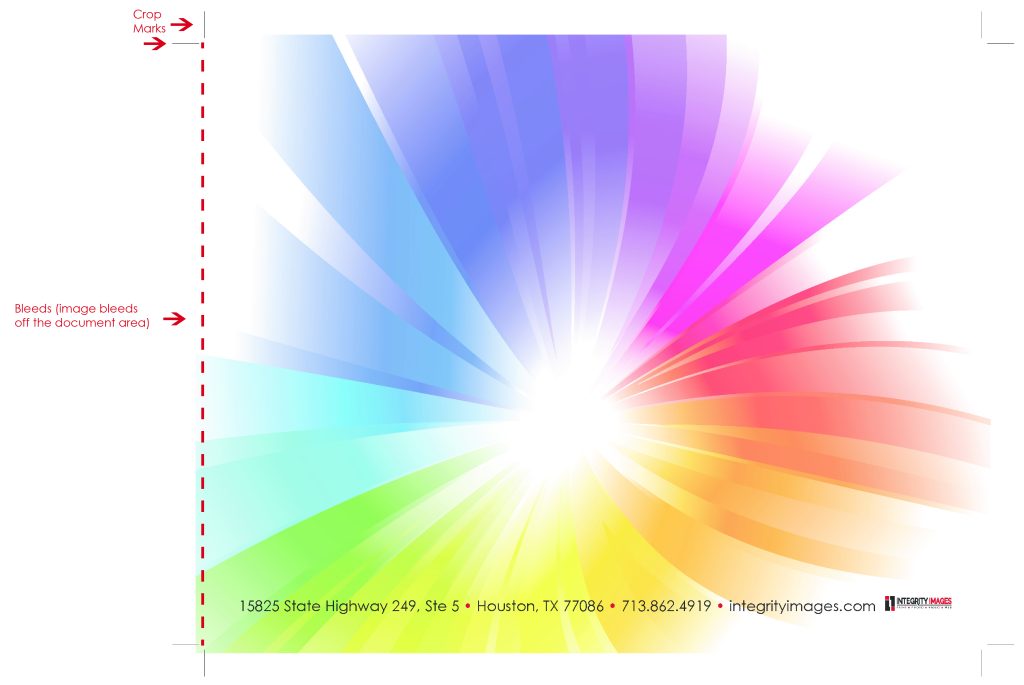
Bleed ensures that color or images extend fully to the edge of the page after trimming.
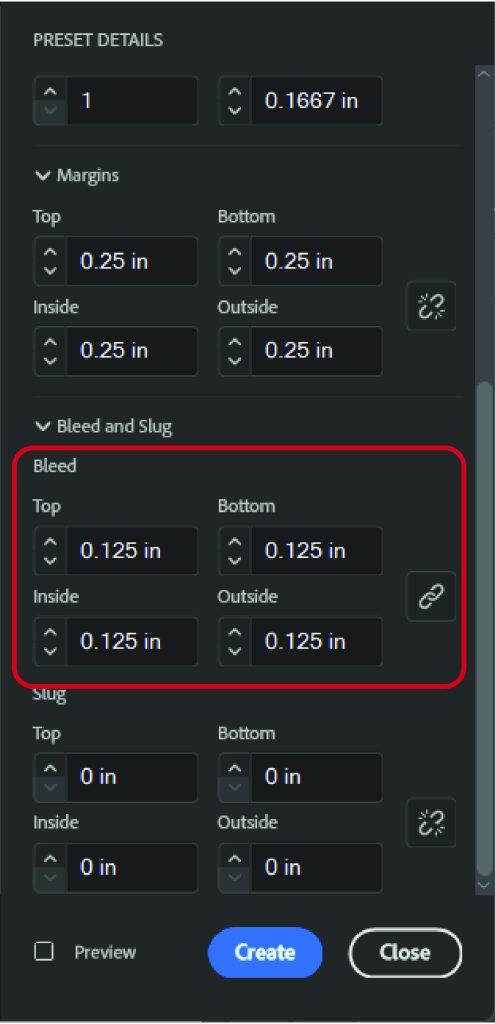
Standard bleed is 0.125” (1/8”) on all sides.
Extend background colors and images into the bleed area.
Include Crop Marks
Crop marks show where the piece will be trimmed. These should be included when exporting your final PDF for print.
Use CMYK Color Mode
Print uses CMYK, not RGB. Converting your file to CMYK helps avoid unexpected color shifts.
Outline Fonts or Package Them
This prevents font substitutions and layout changes during printing.
setting up files in adobe indesign or adobe illustrator
If you’re using Adobe InDesign or Illustrator, you’re already on the right track—these are our preferred file formats for professional printing.
When creating a new document in InDesign/Illustrator:
Set your page size to the final trim size
Add 0.125” bleed on all sides in the document setup
Design within safe zones, but allow images and backgrounds to extend into the bleed. The safe zone is typically 0.125” inside the page size. This makes sure nothing important is cut off when trimming.
exporting your pdf
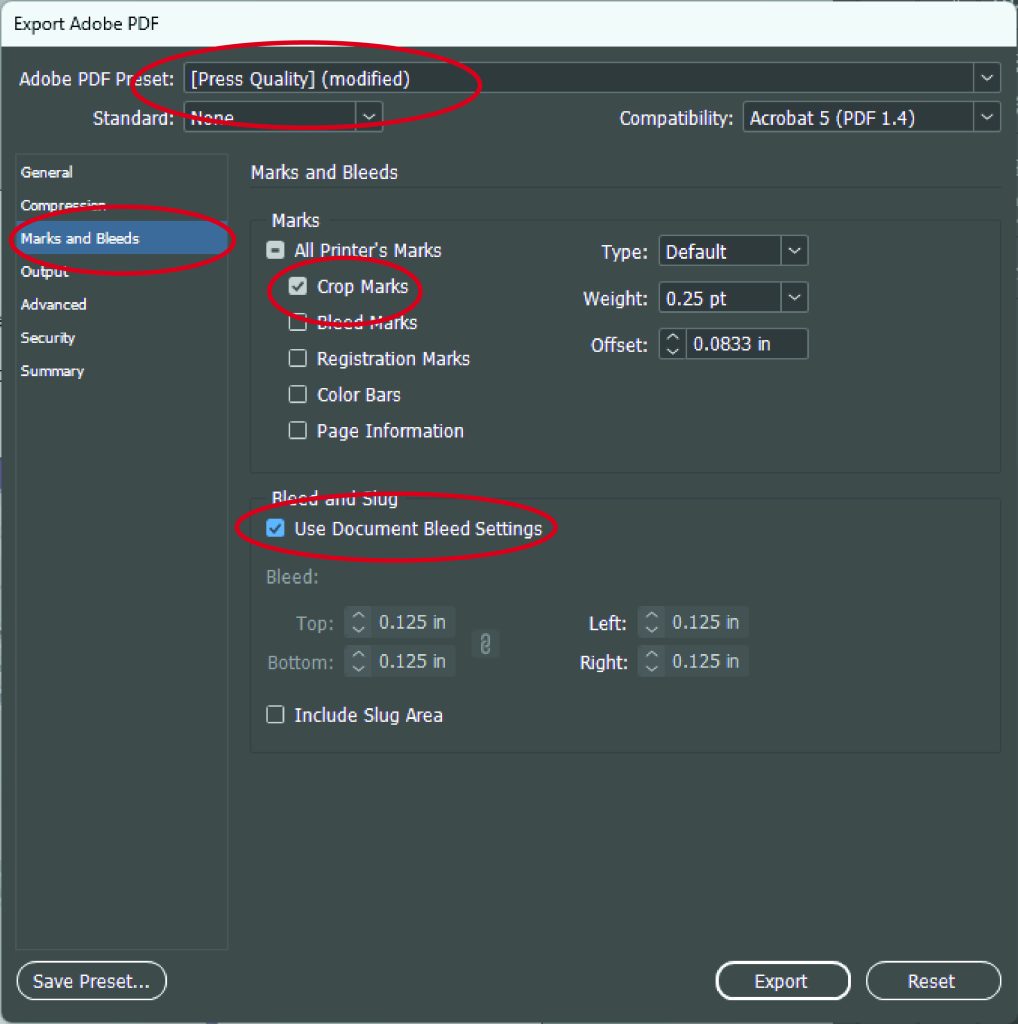
Choose Press Quality PDF
Enable Crop Marks and Bleed
Export with bleed included
how integrity images supports you
Not sure if your file is set up correctly?
That’s okay, we’re here to help.
File reviews before printing
Print-ready PDF assistance
Adobe InDesign support and guidance
Color, bleed, and layout checks
Friendly, knowledgeable print experts you can talk to
Our goal is to make printing easy, stress-free, and done right the first time.
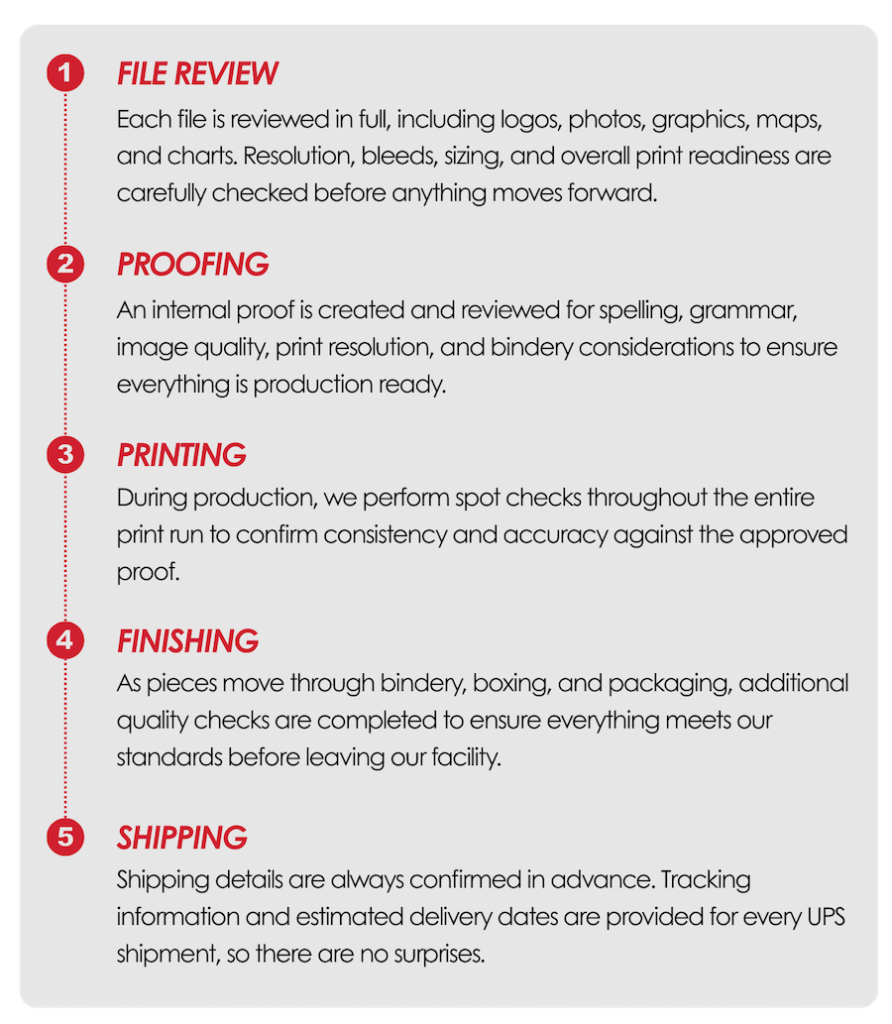
from file to finish: a print proofing process built for accuracy
Every project follows a careful, step by step workflow designed to protect quality, consistency, and timelines.
let's print smarter this year
If you have a project coming up or need help preparing your files, reach out to us anytime. We’re happy to review your documents, answer questions, and guide you through the process.
Contact us for a quote or file check. Let’s talk through your next print project.